Market Guide
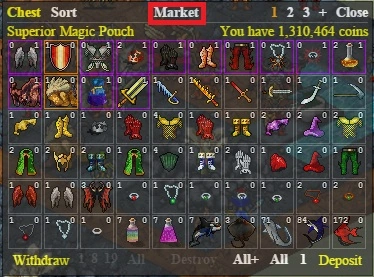
The player market is located in chest. Here you can trade with other players. Open chest and click "Market" to open it.
Searching for Buy/Sell Offers
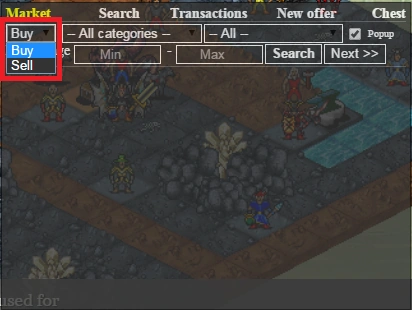
In the first drop down menu you can choose either to search for buy offers or sell offers. "Buy" will show the items other players are selling (YOU buy from them), and "Sell" will show items that other players want to buy (YOU sell to them).
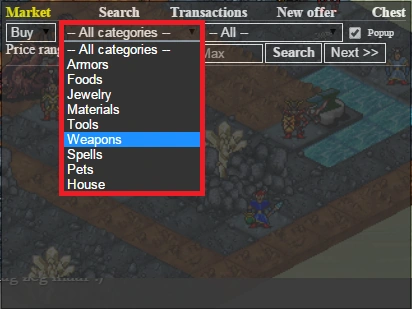
You can narrow your search by selecting the "All categories" menu and then selecting an item category.
If you are looking for a specific item you can click the "All" menu and choose the item you want to buy/sell.
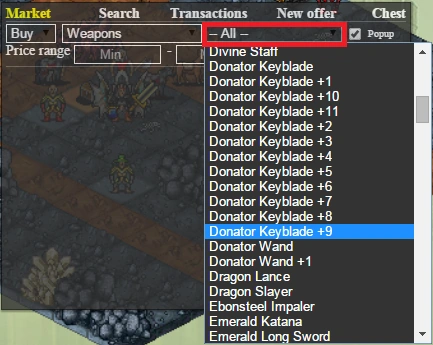
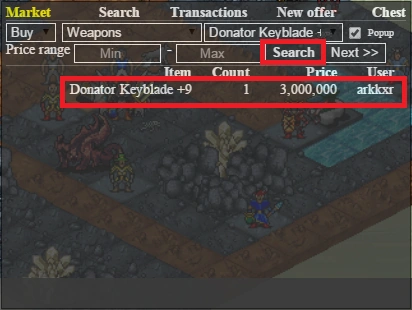
After that hit "Search" and the offers will show up (given there are offers matching your settings). Click an offer to buy it or sell to it. In this case we buy a DKB+9.
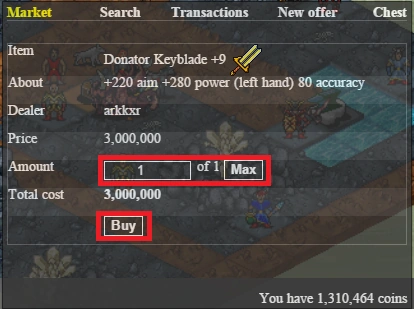
In the following window you can choose how many of the item you want to buy and finally click the "Buy" button to finish the trade.
Creating Buy/Sell Offers
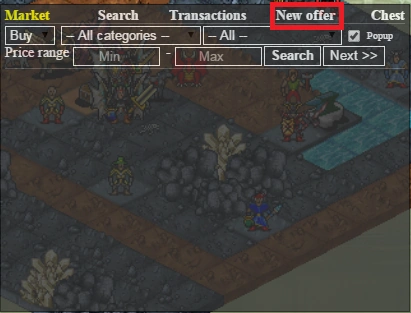
Open market and click "New offer".
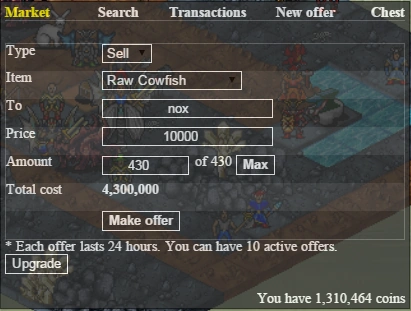
Here you can choose either to create a buy or a sell offer. Choosing "Buy" means YOU want to buy, choosing "Sell" means YOU want to sell. Items to be sold have to be in your chest, NOT in your inventory! Pick the item you want to trade, type in the name of the player you want to trade with (keep "everybody" to make the offer show up for everybody), type in the price and the amount you want to trade and hit "Make offer". You can always manage your offers by clicking "Transactions".
| Offer Slots Upgrades cost: |
|---|
| From |
| 5 |
| 10 |
| 15 |
| Total |